Follow
every turn.

F1 standings, schedule, stats, widgets & more

Download Push Push on the App Store
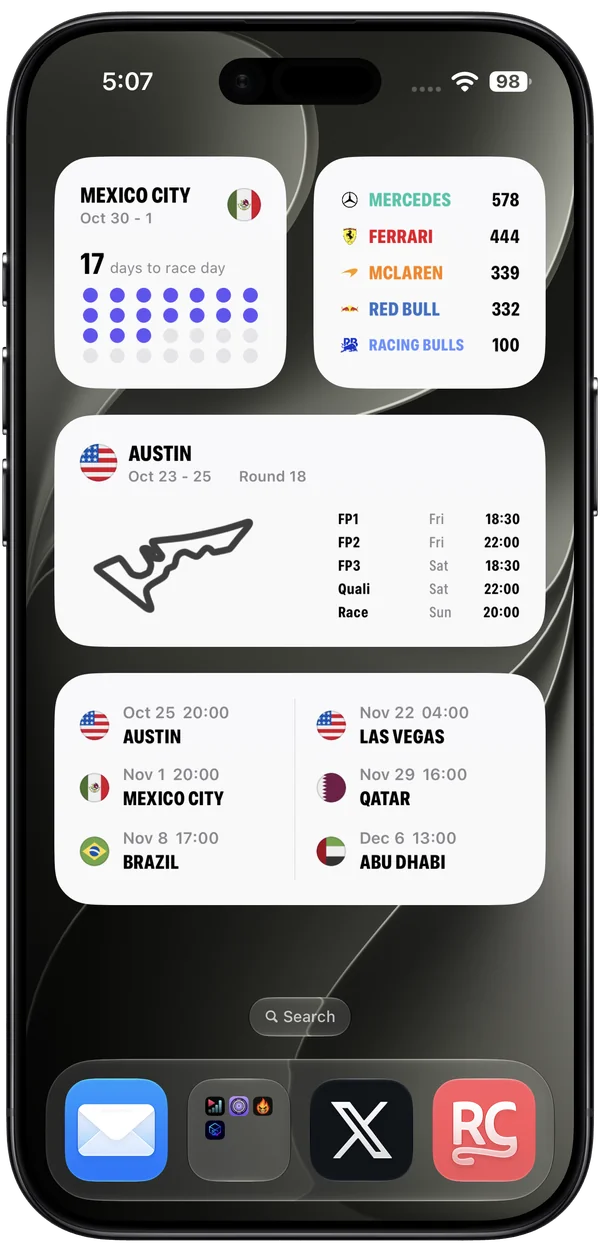
Push Push light-mode Home Screen widgets on a Black iPhone Air: Mexico City countdown, team standings, Austin race weekend, and race schedule
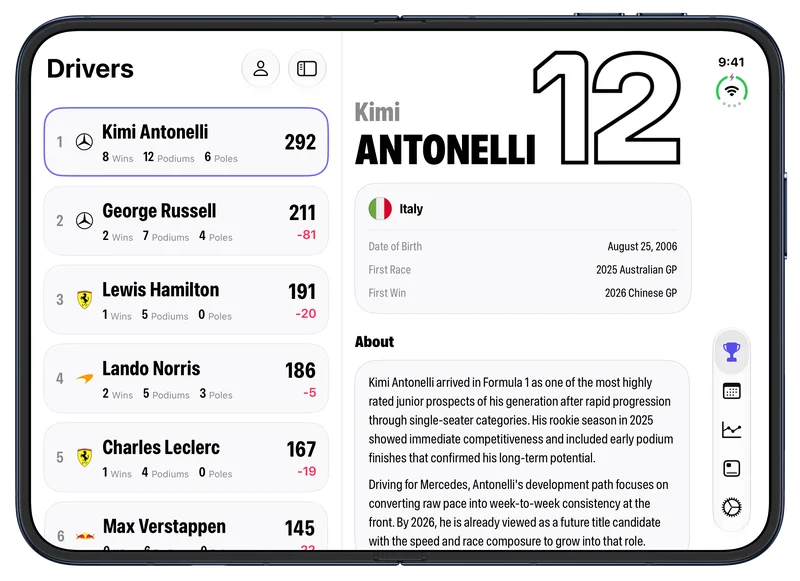
Push Push standings with Kimi Antonelli selected, in light mode on a fully open Night Sky iPhone Duo in landscape

Be there for
lights out.

Count down to every
race weekend.

Brazil

Nov 6 – 8

SessionWeatherDayTime
FP1Fri15:30
FP2Fri19:00
FP3Sat14:30
QualiSat18:00
RaceSun17:00

Your weekend,
at a glance.

Session times and weather.
Right on your Home Screen.

And over 40 more widgets
for your Home and Lock Screen.

Dark Mode

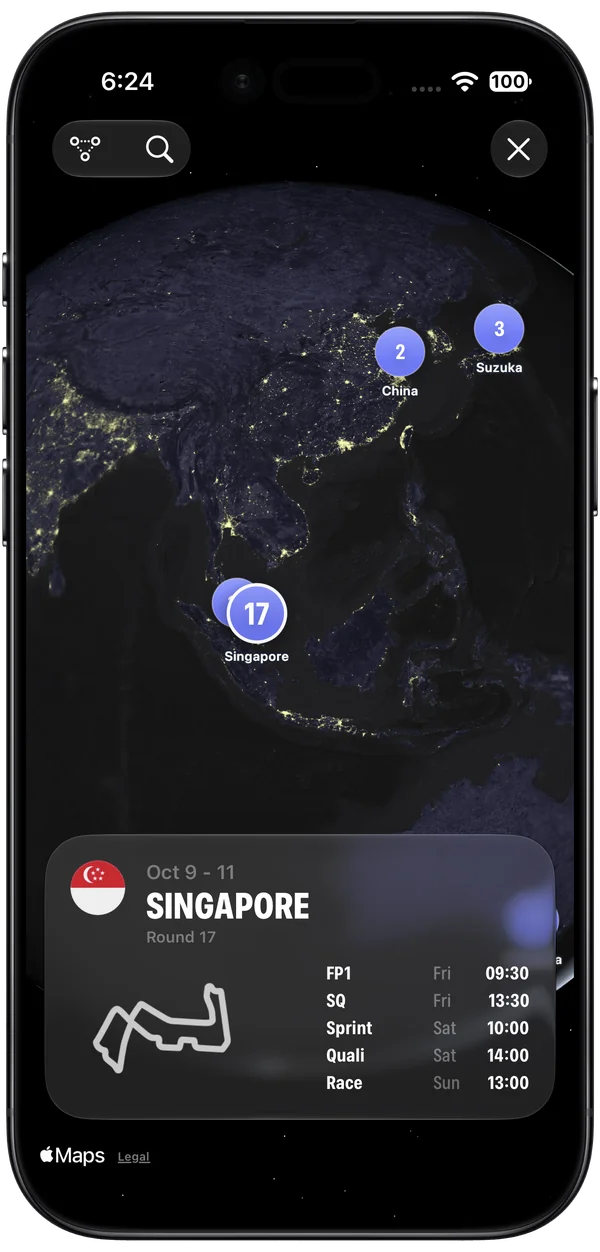
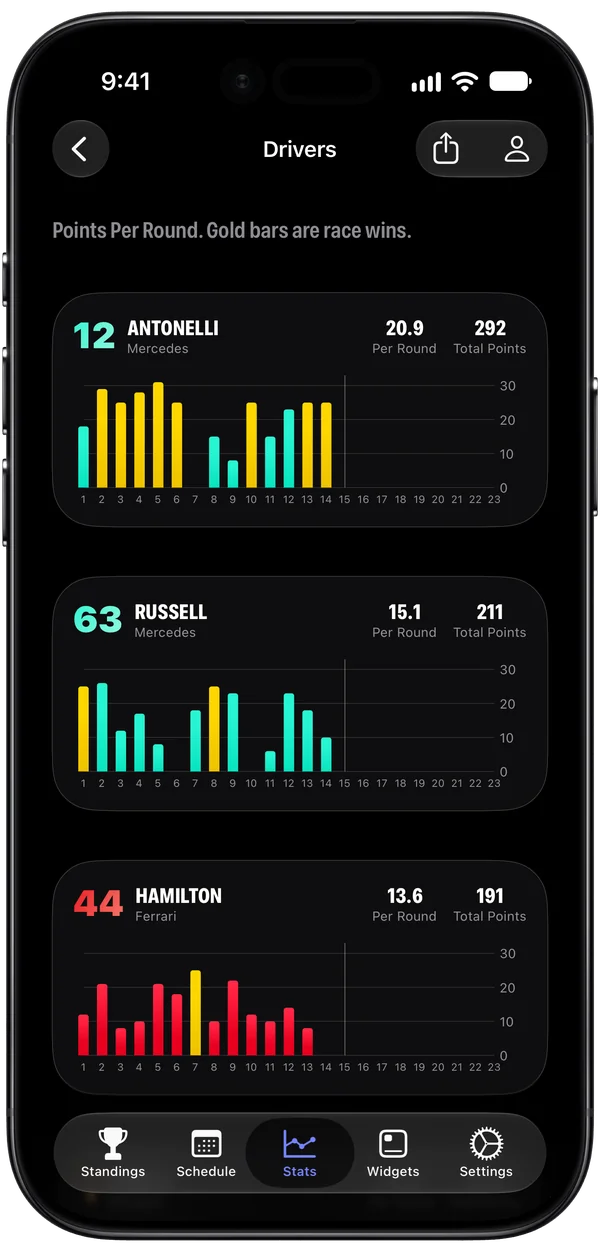
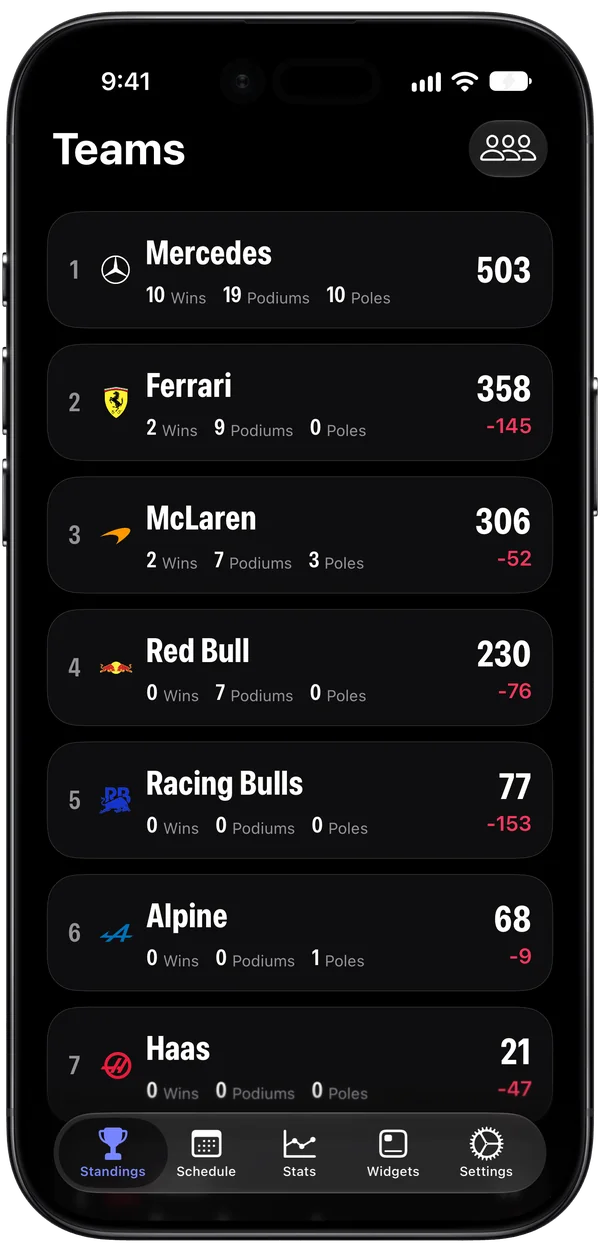
Push Push globe schedule with Singapore selected in dark mode, on a Black iPhone Air Push Push Driver Results bar charts for multiple drivers in dark mode, with Kimi Antonelli first, on a Black iPhone Air Push Push team standings in dark mode, on a Black iPhone Air

Frequently Asked Questions.

What does Push Push show?

Follow F1 race schedules, driver and team standings, results, statistics, and race weekend weather. Keep the information you care about close with Home Screen and Lock Screen widgets.

Which devices are supported?

Push Push is available on iPhone and iPad running iOS 26 or iPadOS 26 or later.

Are session times shown in my time zone?

Yes. Push Push shows session times in your local time zone, so you’ll know when to tune in wherever you are.

What is Push Push Pro?

Push Push is free to download. An optional weekly or annual Push Push Pro subscription unlocks all widgets and Pro features. You can find current pricing in the app.

Can I hide spoilers?

Yes. Spoiler Free Mode, available with Push Push Pro, lets you hide results until you’re ready to see them.